 ScaFix
Guide · 4 of 24
How to choose the right scaffold system
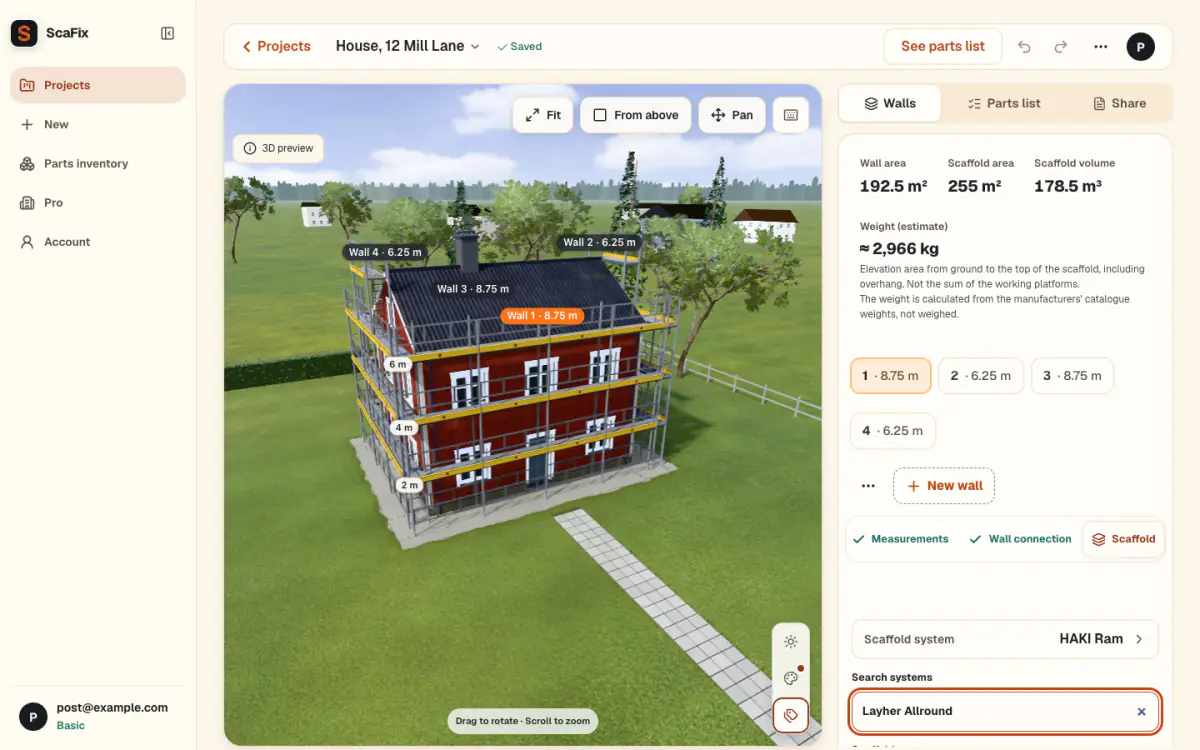
Select the wall, open Scaffold and search for the system under Search systems, for example «Layher Allround». The list has 115 systems from 57 manufacturers. When you change the system, ScaFix recalculates the bays, the parts and the ties from the tables and rules for the system. Then choose the bay lengths and the scaffold depth you have.
ScaFix Basic or Pro See the plans and what they cost
What you need
- ScaFix Basic or Pro
- A project with at least one wall.
- The name of your system (manufacturer and series).
Step by step
Step 1 Open Scaffold for the wall
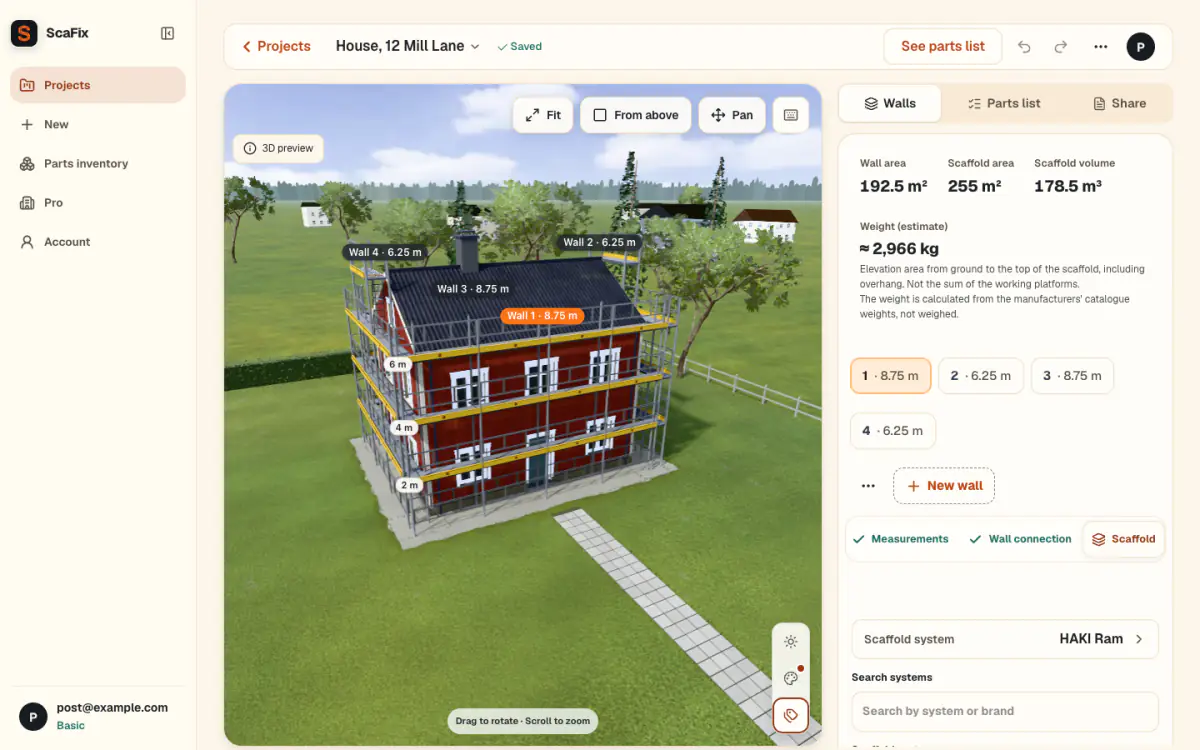
Tap the wall and choose Scaffold among Measurements, Wall connection and Scaffold. At the top is the system the wall uses (here HAKI Ram).
Step 2 Search and choose the system
Type the name in Search systems, for example «Layher Allround», and choose it in the Scaffold system list. The 3D picture, the bays and the parts list update at once.
Step 3 Choose bay lengths and depth
Tick the lengths you have (see Bay lengths, short bays and widths). Scaffold depth sets the width of the scaffold among the depths the system has.
Common mistakes
- The system is not listed. Search for the manufacturer (for example «Haki») to see every series. If it is still missing, write to us with the name and the series.
- Only one wall changed. The system is chosen per wall. Change it on each wall, or use the same system from the start in a new project.
- The lengths disappeared. Another system has other bay lengths; tick them again after the change.