 ScaFix
Guide · 7 of 24
How to choose bay lengths, short bays and the scaffold depth
Select the wall and open Scaffold. Tick the bay (deck) lengths you have; new bays use only the lengths you ticked, and ScaFix mixes them so the scaffold covers the wall. Scaffold depth sets the width. Overhang lets the scaffold run past the wall end when the bays do not add up exactly.
ScaFix Basic or Pro See the plans and what they cost
What you need
- ScaFix Basic or Pro
- Which bay (deck) lengths you have for your system.
Step by step
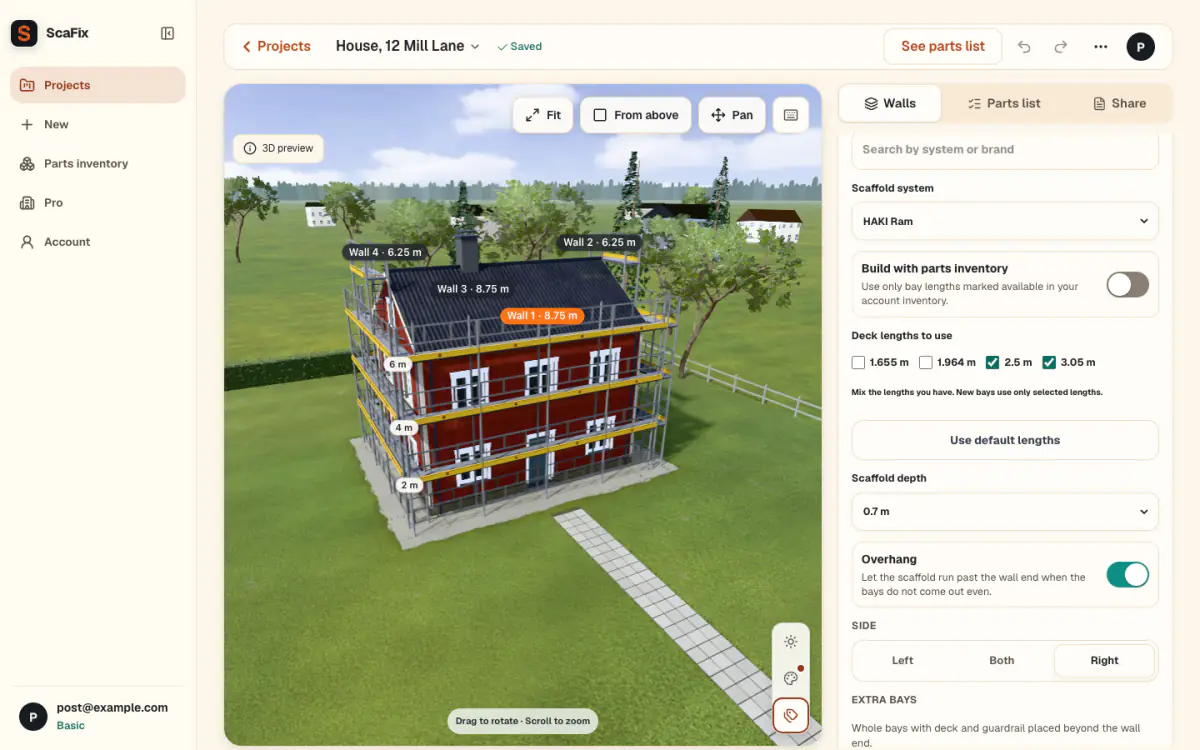
Step 1 See which lengths are used
The lengths the system has are listed, here 1.655 m, 1.964 m, 2.5 m and 3.05 m for HAKI Ram. The ticked ones are used for new bays.
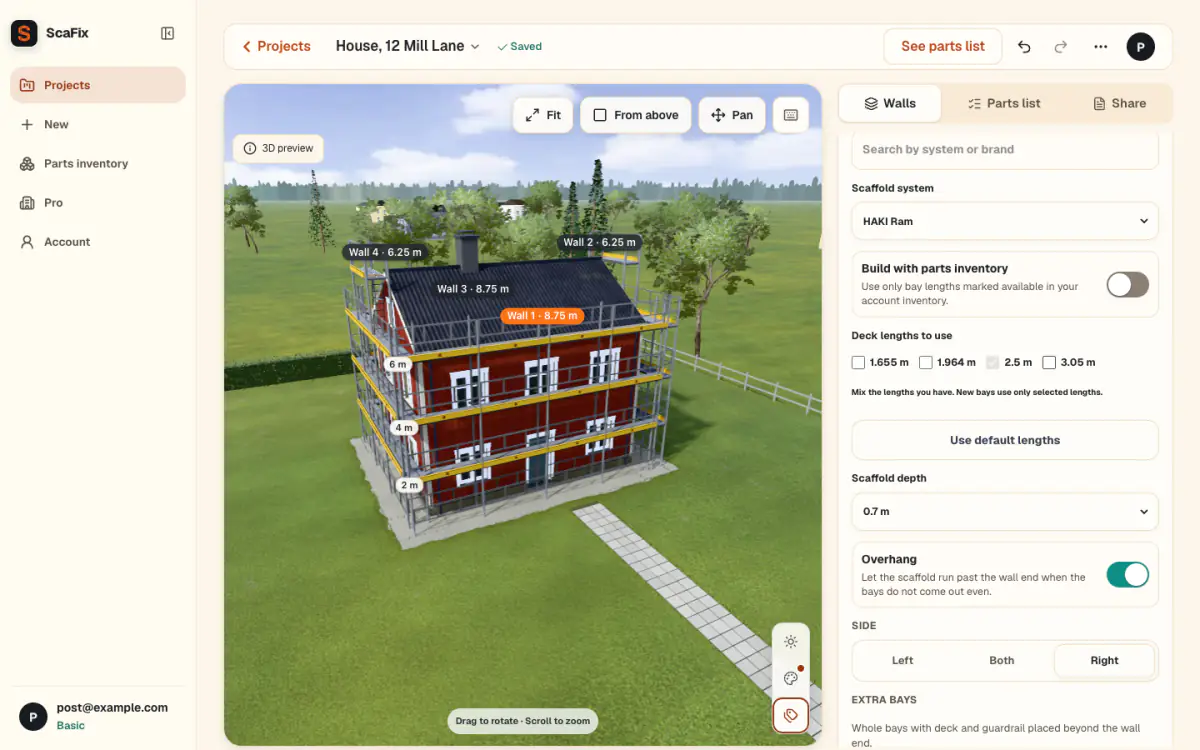
Step 2 Untick a length you do not have
Untick the length you do not have. Here 3.05 m is unticked, and the wall is built with 2.5 m bays. Use default lengths sets the choice back. When you are signed in, ScaFix remembers the lengths you untick for each system and leaves them out of new projects and new walls with that system; the projects you already have do not change. «Forget saved bay lengths for …» next to the button makes ScaFix forget the choice.
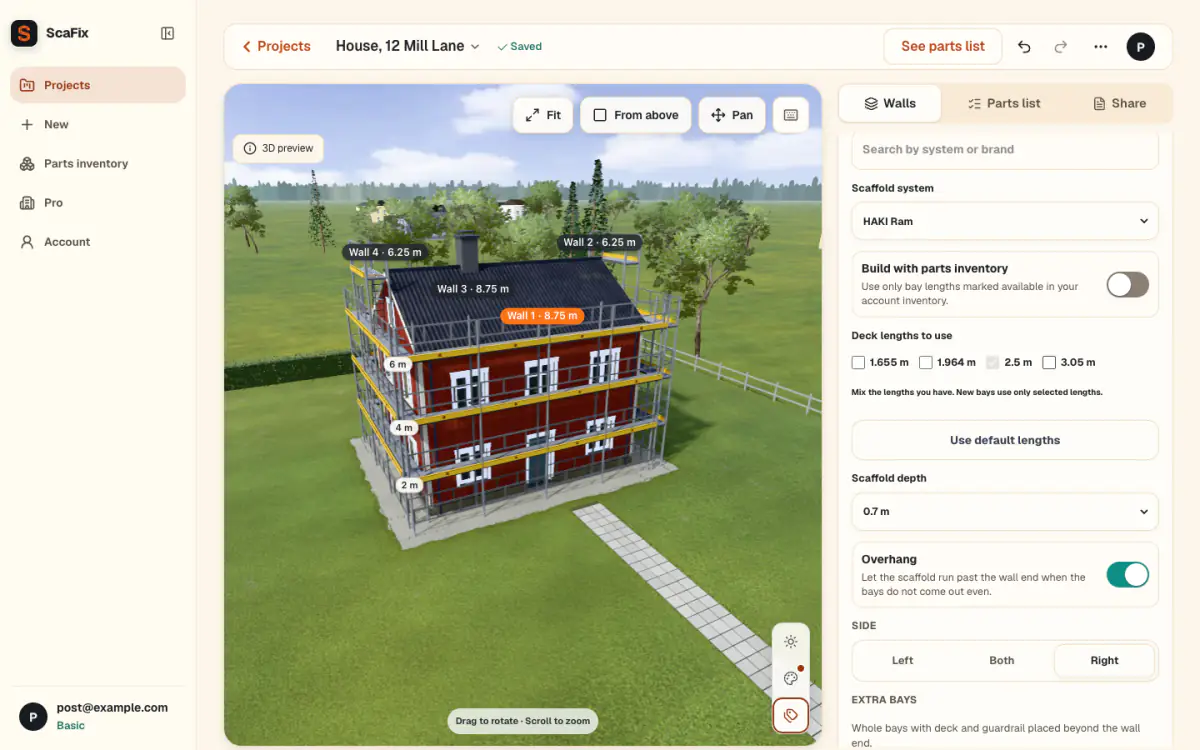
Step 3 Choose the scaffold depth
Scaffold depth lists the depths the system has (here 0.7 m). The depth carries through to the parts list: decks, ends and guardrails change to the right width.
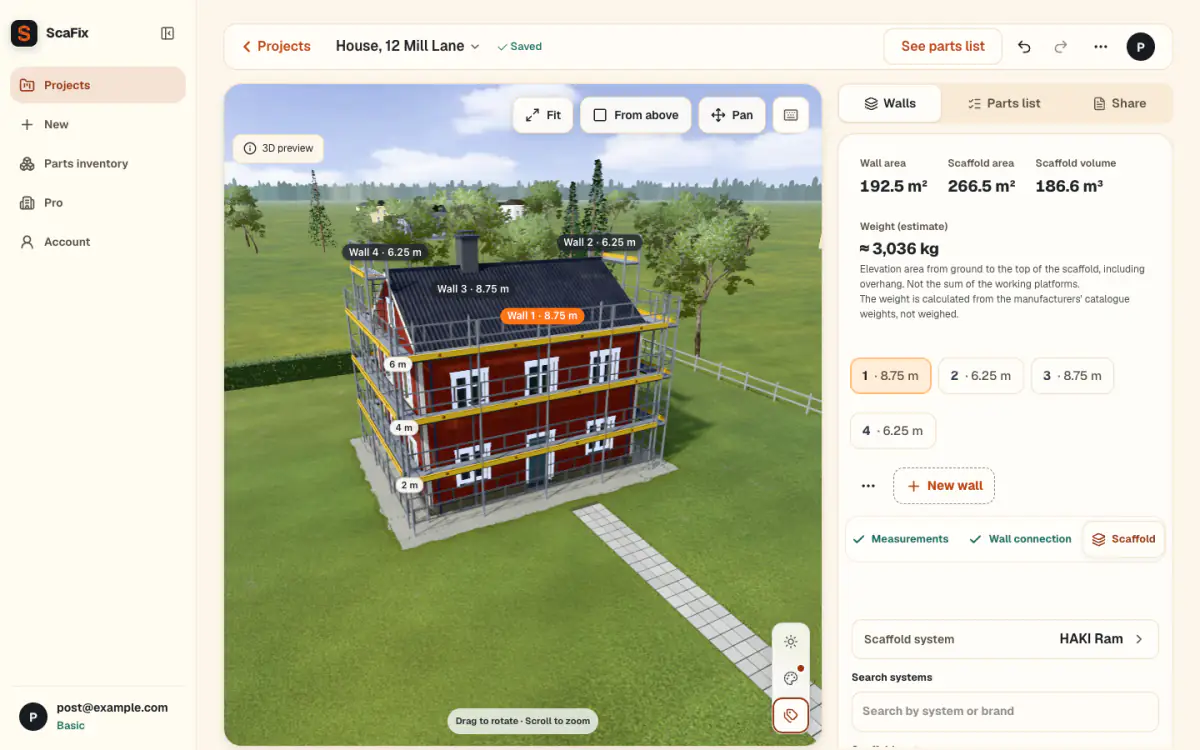
Step 4 Overhang and extra bays
When the bays do not add up to the wall's length, Overhang lets the scaffold run past the wall end. Choose Left, Both or Right. Under Extra bays you add whole bays with deck and guardrail beyond the wall end, for example at a corner with no neighbouring wall.
Common mistakes
- Every length unticked. At least one length must stay ticked; ScaFix keeps the last one.
- The parts list shows lengths you do not have. Switch on Build with parts inventory (see Parts inventory), so lengths set to None are avoided.
- The scaffold stops short of the wall end. Switch on Overhang or add an Extra bay on that side.