 ScaFix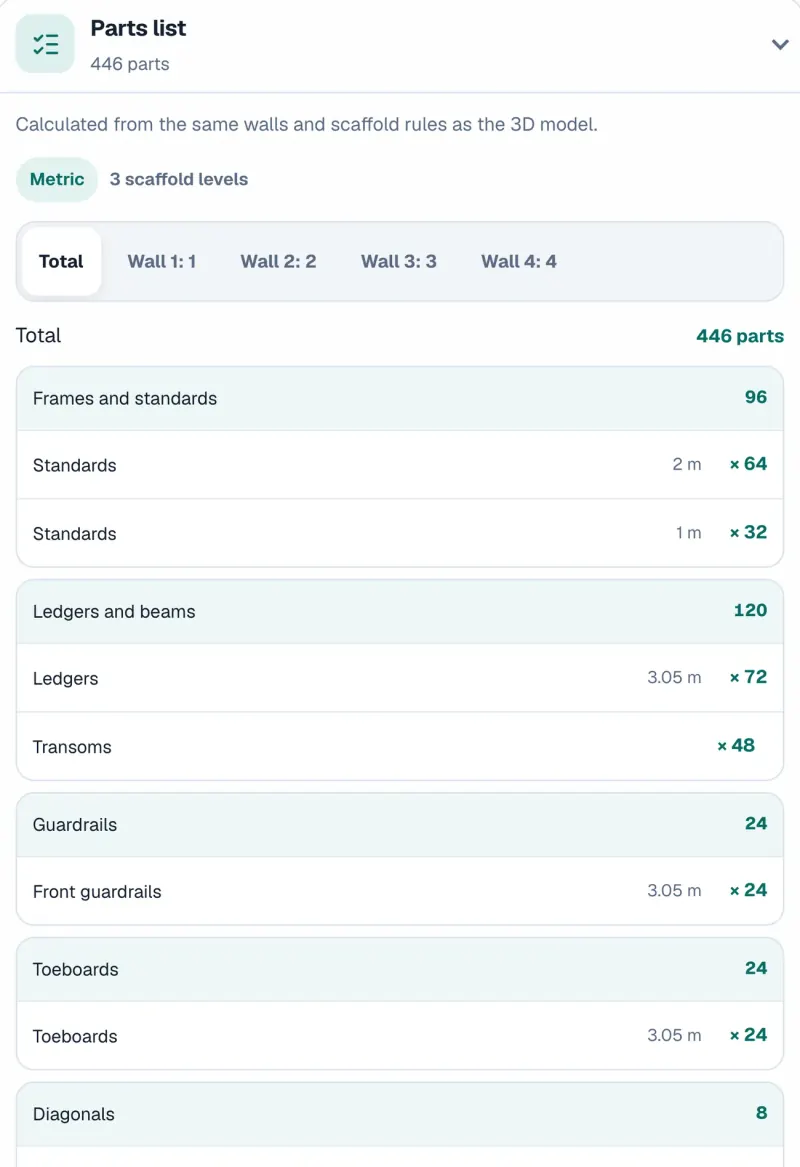
Parts list
In total and wall by wall, grouped by part type.
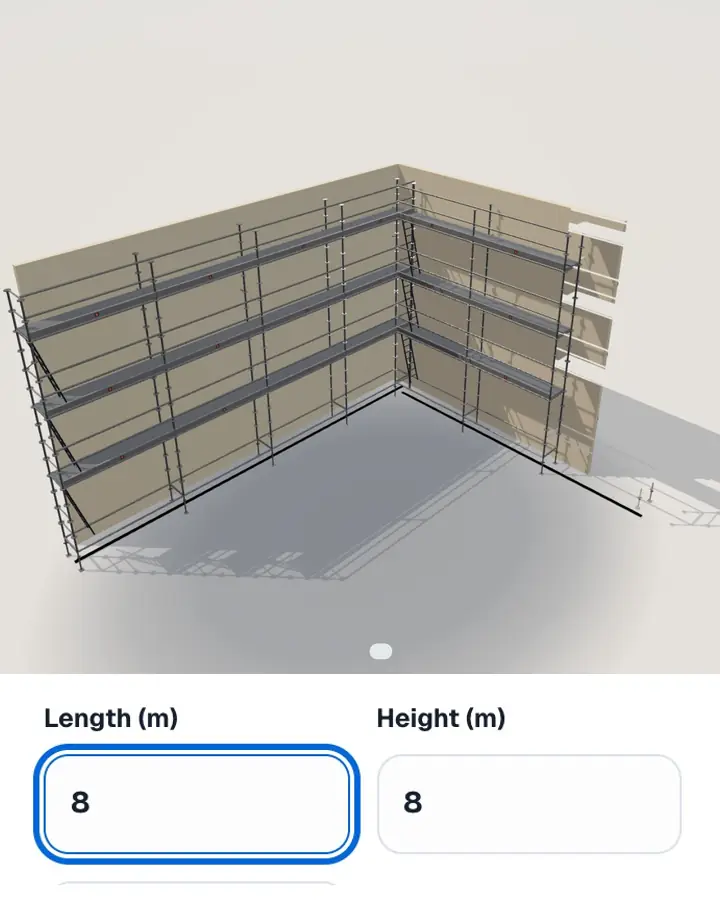
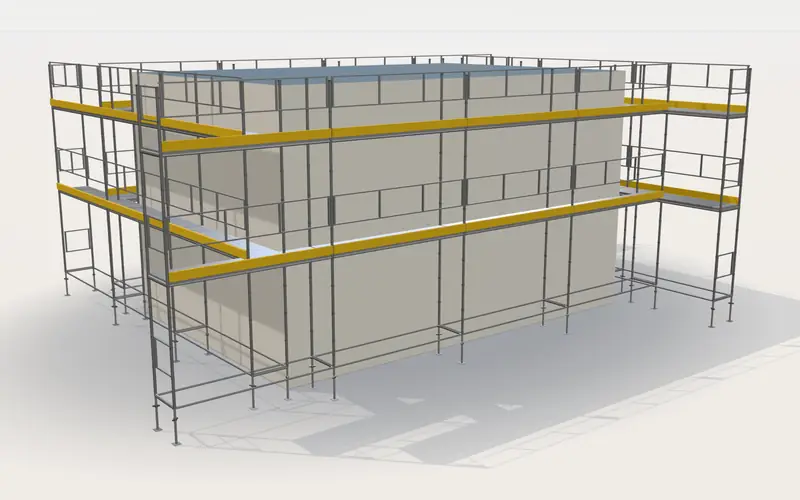
Enter the length and height, pick a scaffold system and see the scaffold in 3D – with the complete parts list and PDF.

1,500+ registered users64 scaffold systemsPC, Mac, iPhone and Android
In total and wall by wall, grouped by part type.
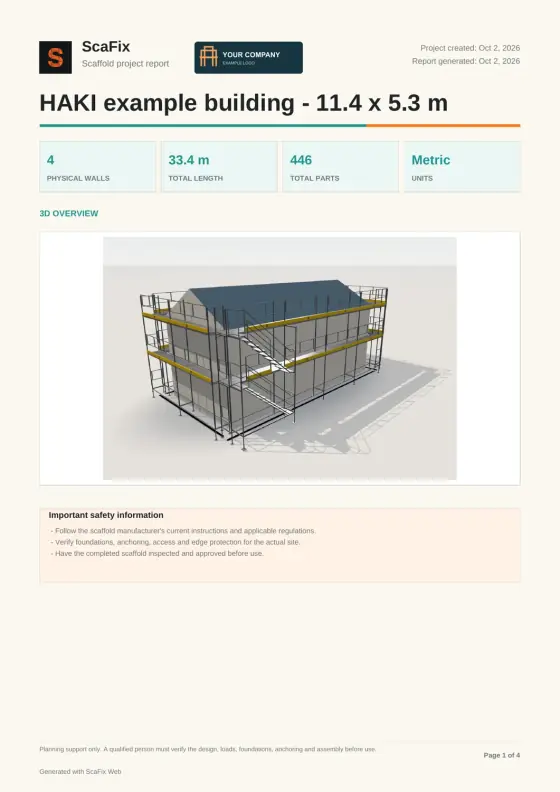
The 3D view, dimensions and parts list in one report. With Plus, your company logo is on it.
Try free nowFrom wall dimensions to a finished scaffold in seconds.
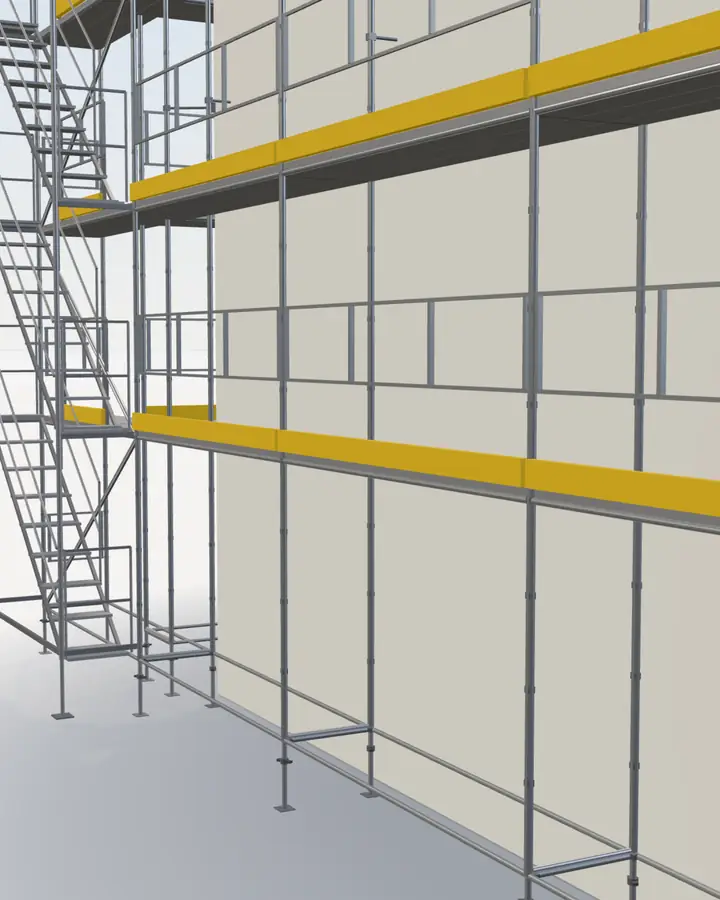
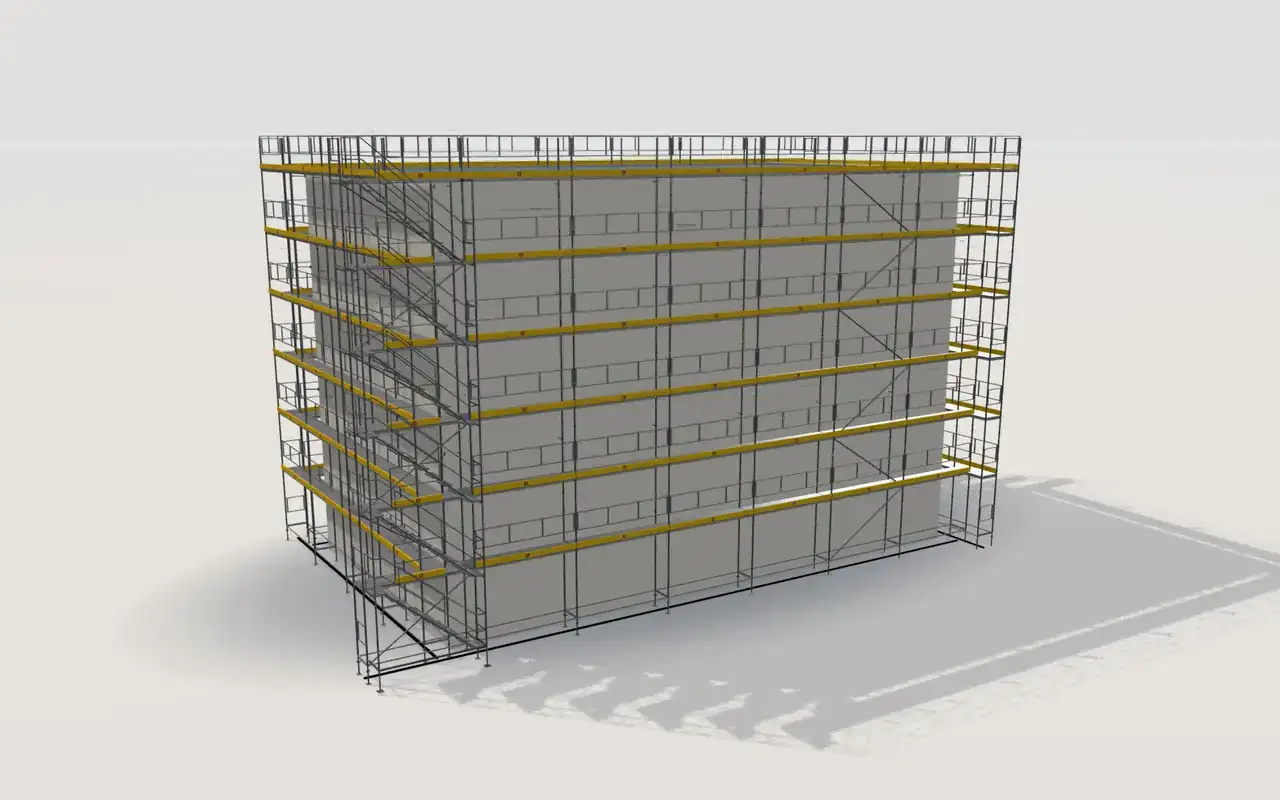
A tall facade with a stair in HAKI Universal, straight from the 3D model. Not estimated.
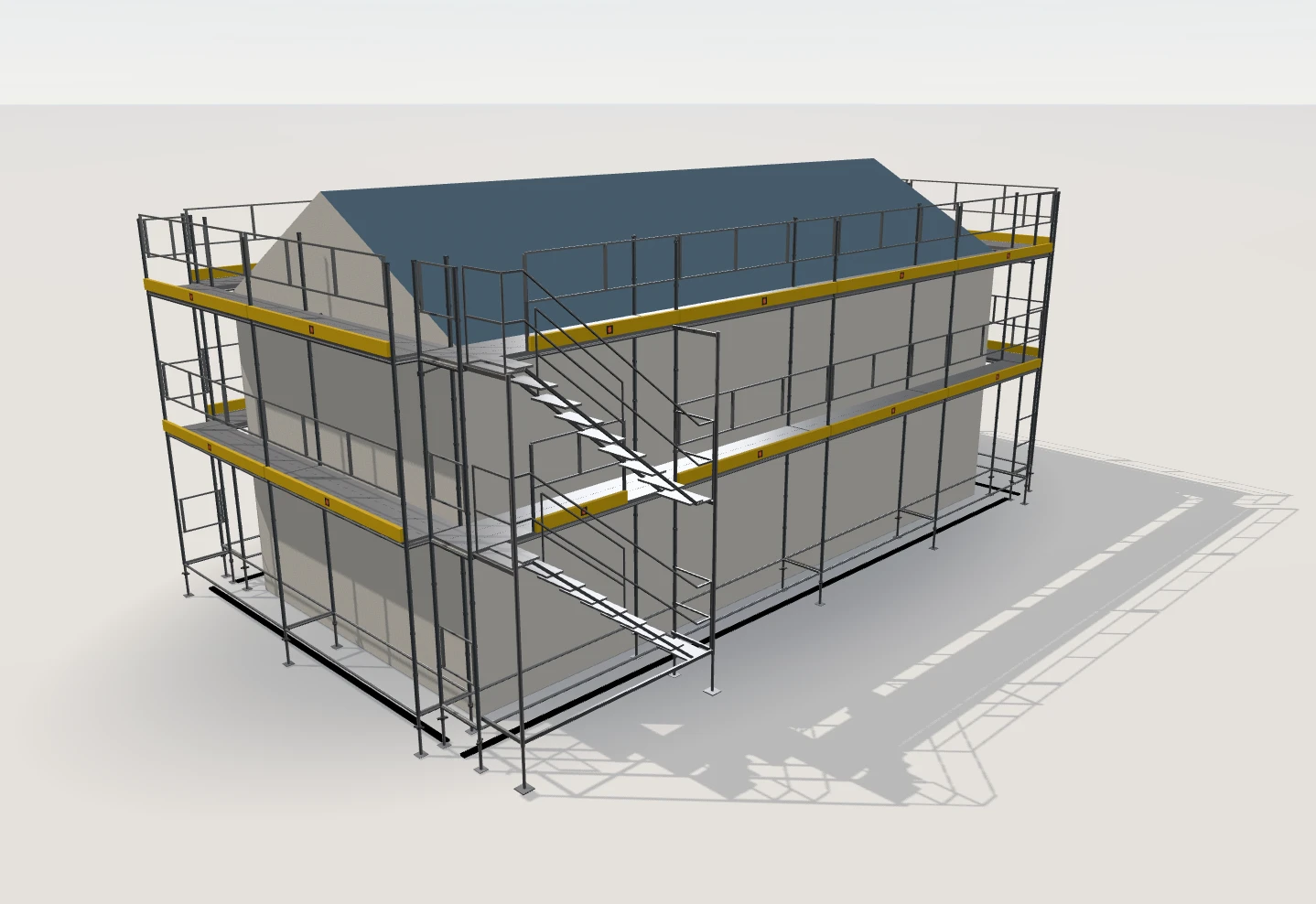
The HAKI Universal example building – the same 3D view you get in the app.
Pick your system – the model and the parts list follow. From 39 manufacturers.
64 of 64 systems
Ultimate+
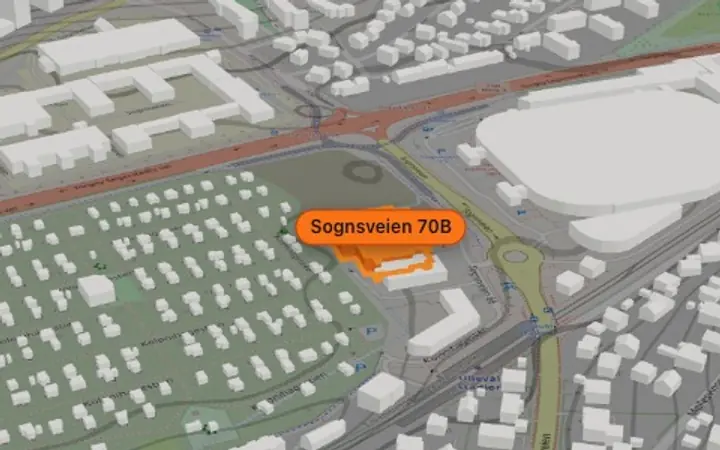
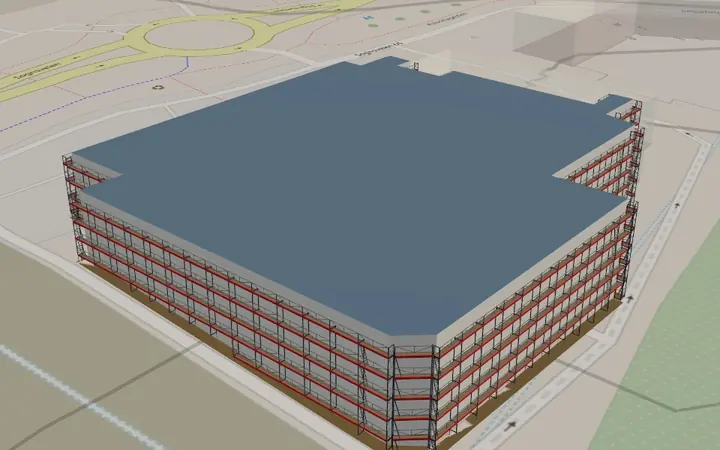
Ultimate+ takes the job from the building on the map to the quote for your customer.
Explore Ultimate+ for your businessYes. Upload the PDF drawing and mark the walls on it, and ScaFix builds the scaffold around them. You can also type the dimensions of each wall.
Yes. The example building opens in 3D without an account. Turn the model and look at the parts list and the PDF report.
Yes. Open ScaFix in your browser on PC, Mac or Android. There is no app to download. On iPhone, you can also use the iPhone app with the same account.
Search for your brand in the system list above. The model and the parts list follow the bay lengths and depths of the system you choose.
Basic gives you the 3D scaffold and the complete parts list. Plus adds your logo and area in m². Ultimate+ also has the map, quotes and tools for the whole job.
See the plans and buy