
01 / 03
Scan or measure
Scan the wall with LiDAR on a supported device, measure by hand, or import a drawing.
LiDAR
Manual
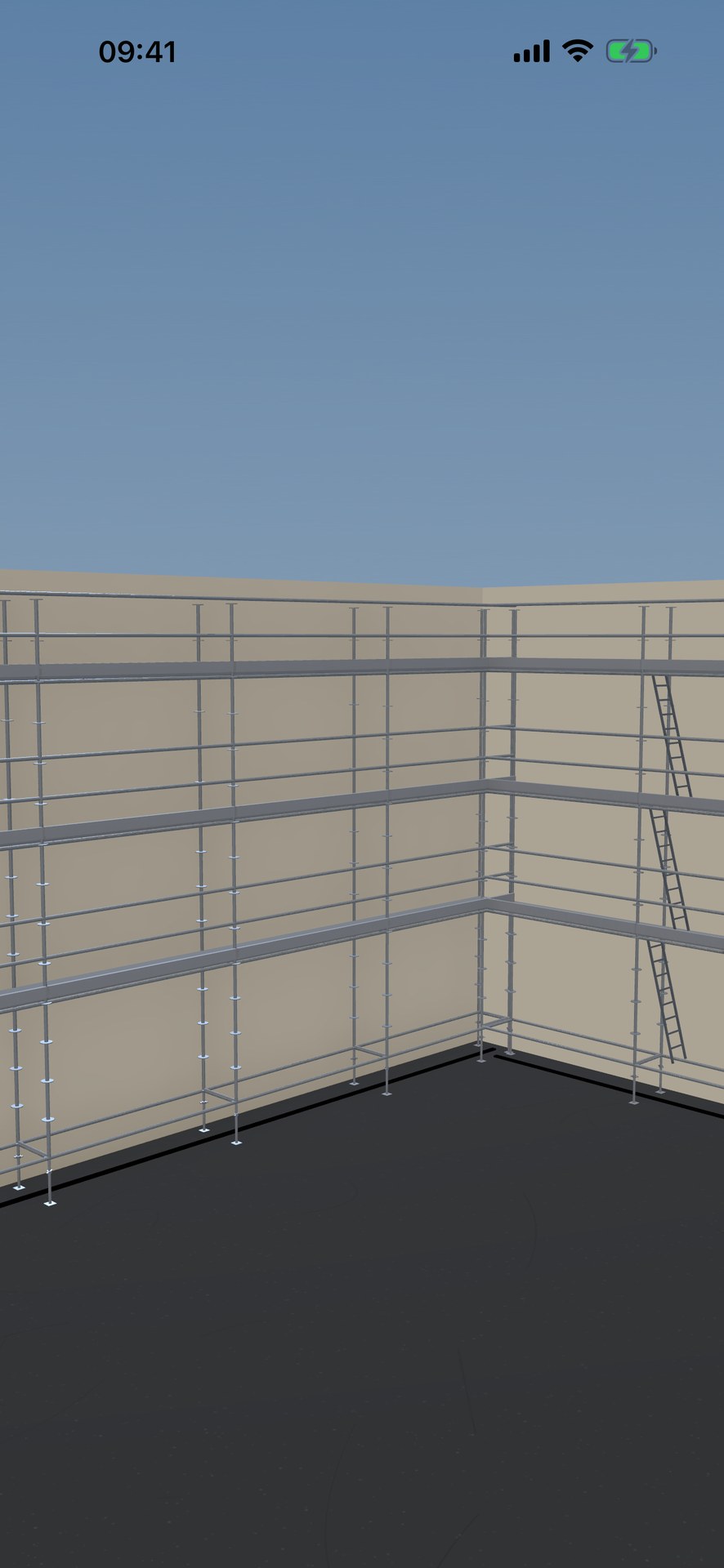
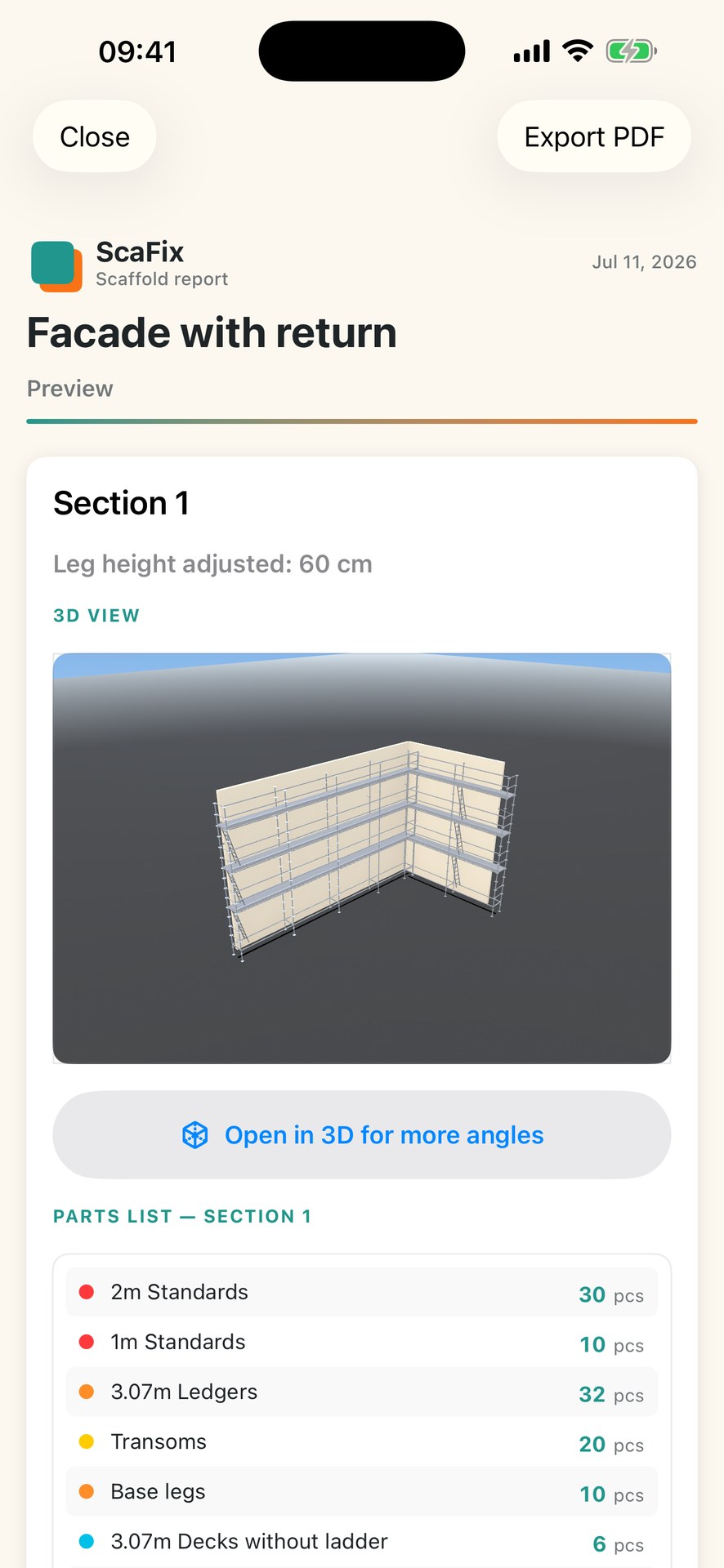
Enter measurements manually, import a PDF drawing or scan with LiDAR. Review the scaffold in 3D and get a parts list tailored to the selected scaffold system.
Enter measurements, review the setup in 3D, and keep the parts overview and PDF with the project. Always verify the plan and quantities before use.
Manual measurements · PDF · LiDAR3D → system-specific parts list
Measurements, 3D model and deliverables stay connected in the same project.
Scan the wall with LiDAR on a supported device, measure by hand, or import a drawing.
See geometry, corners, heights and the chosen system in one workspace.
Carry the parts overview through the project, then export a PDF for the customer, yard or crew.
ScaFix supports multiple brands and models (the selection may expand over time).
Fixed bay lengths and a 2.0 m standard lift height — ScaFix adapts the geometry and parts list to the system you choose.
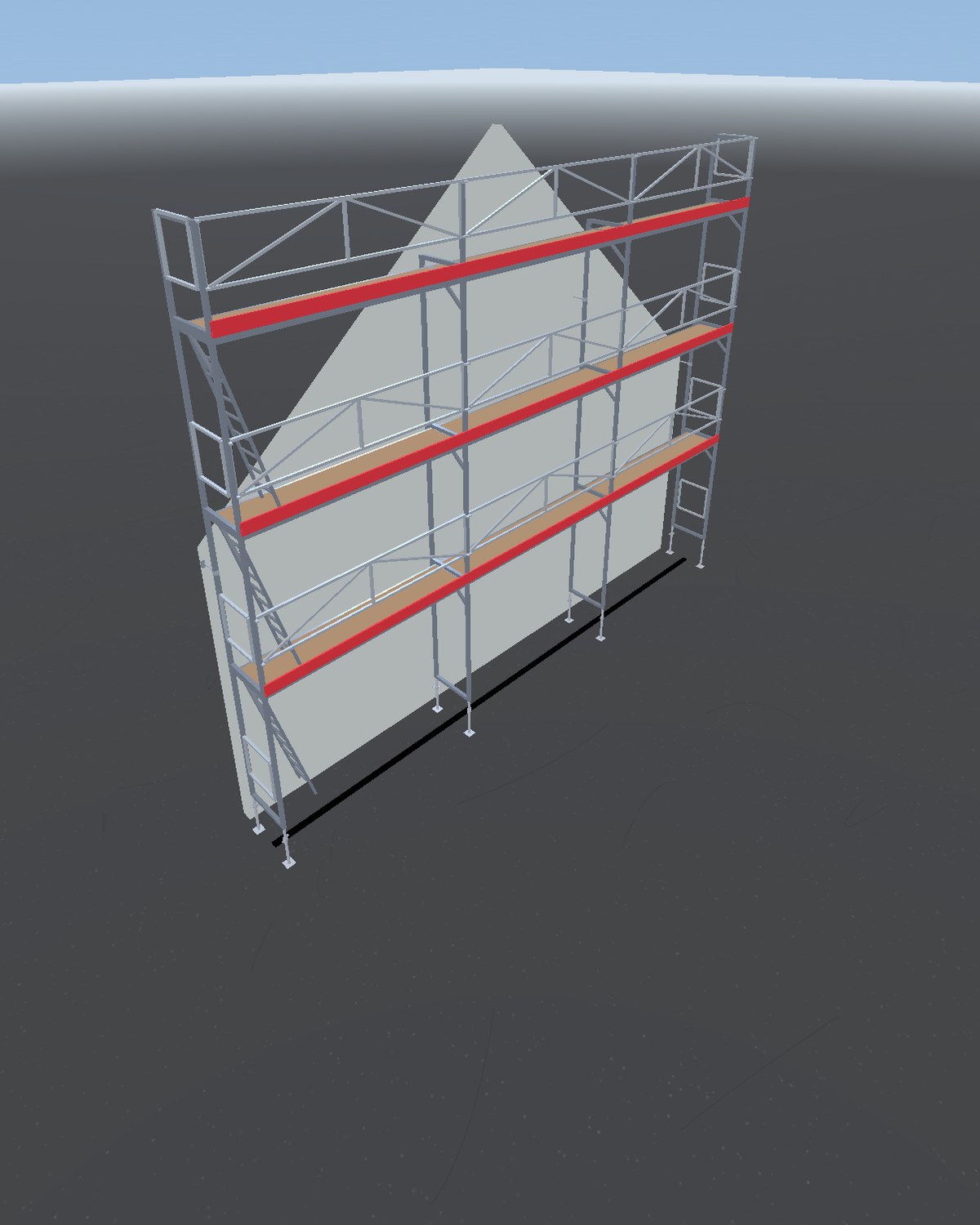
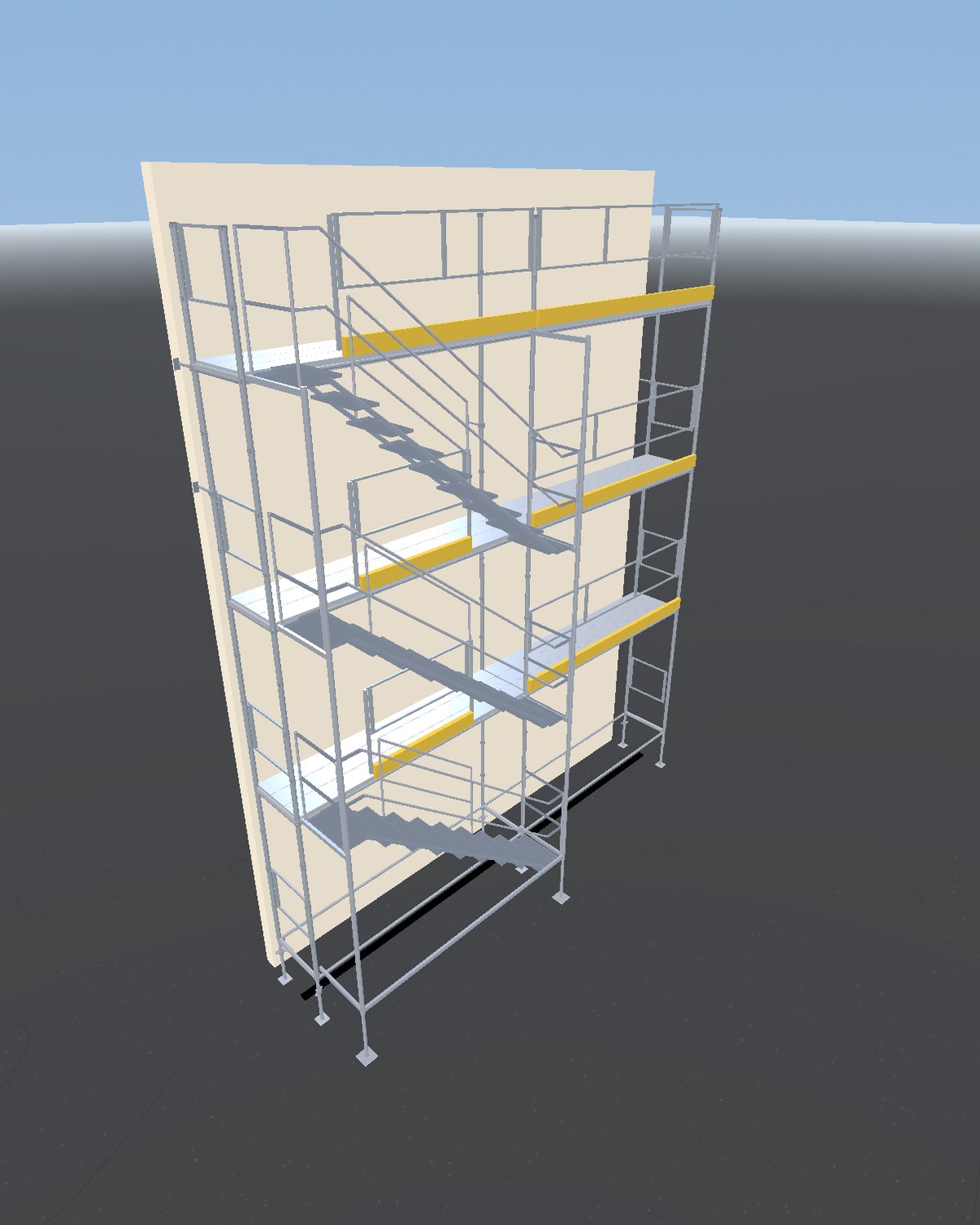
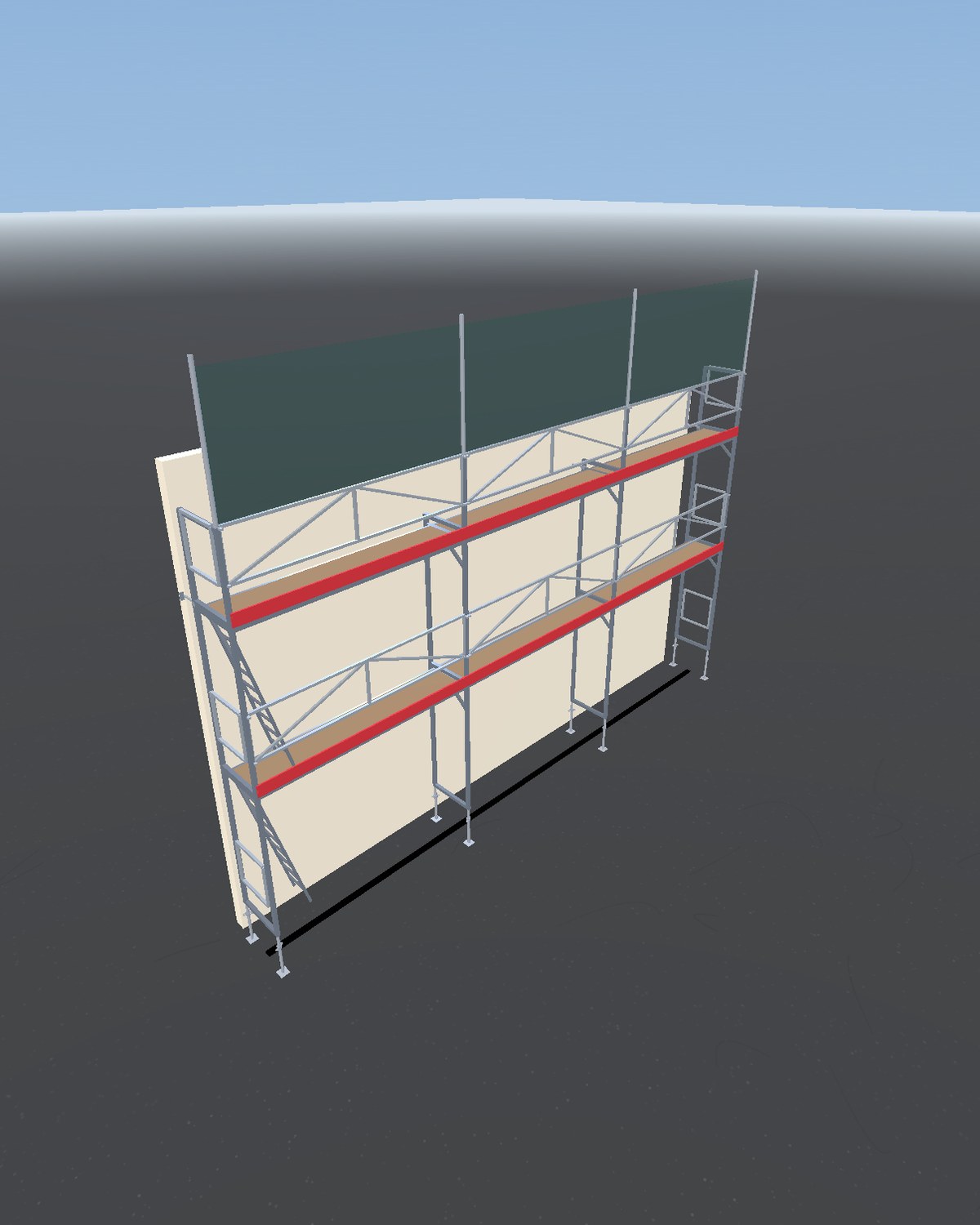
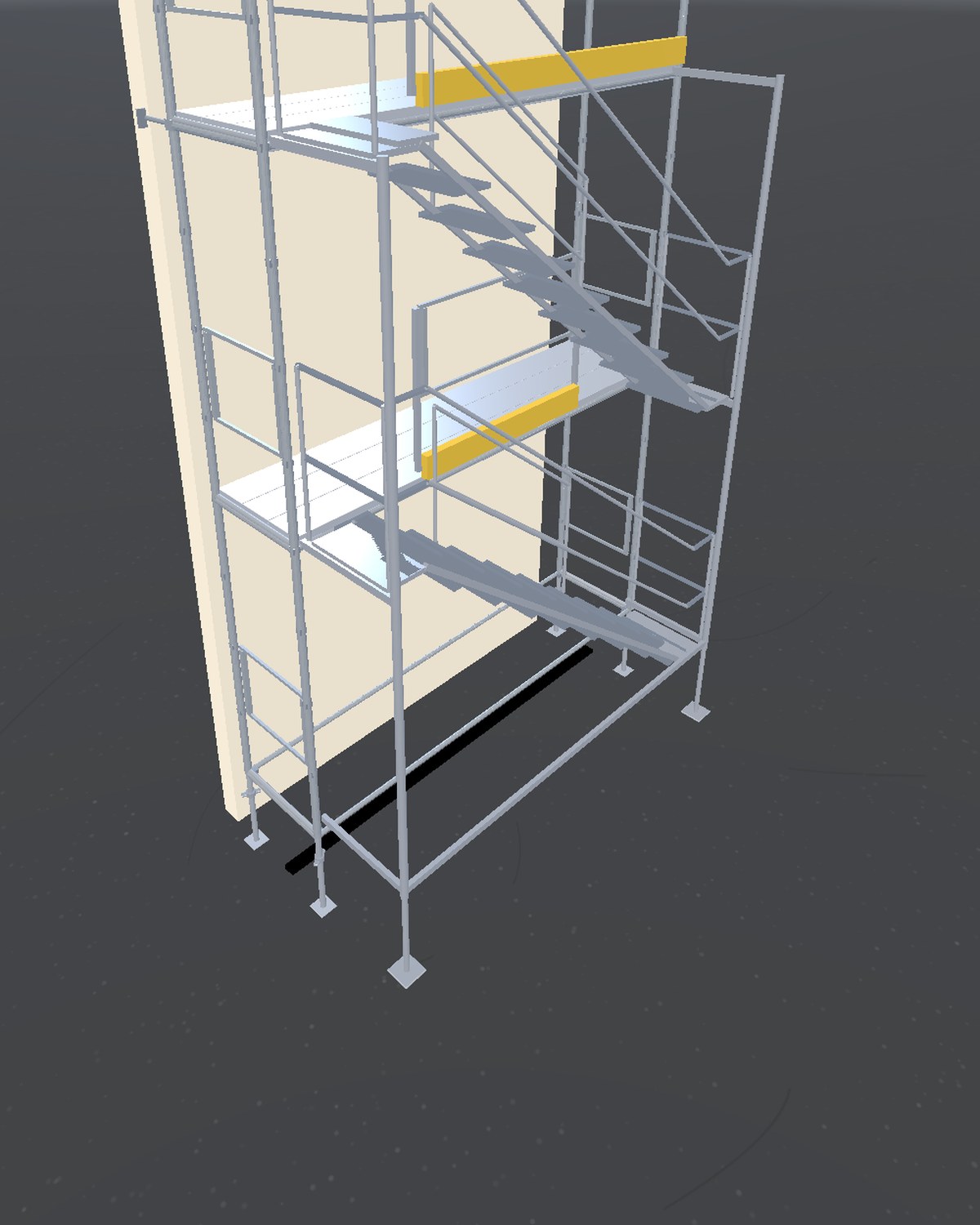
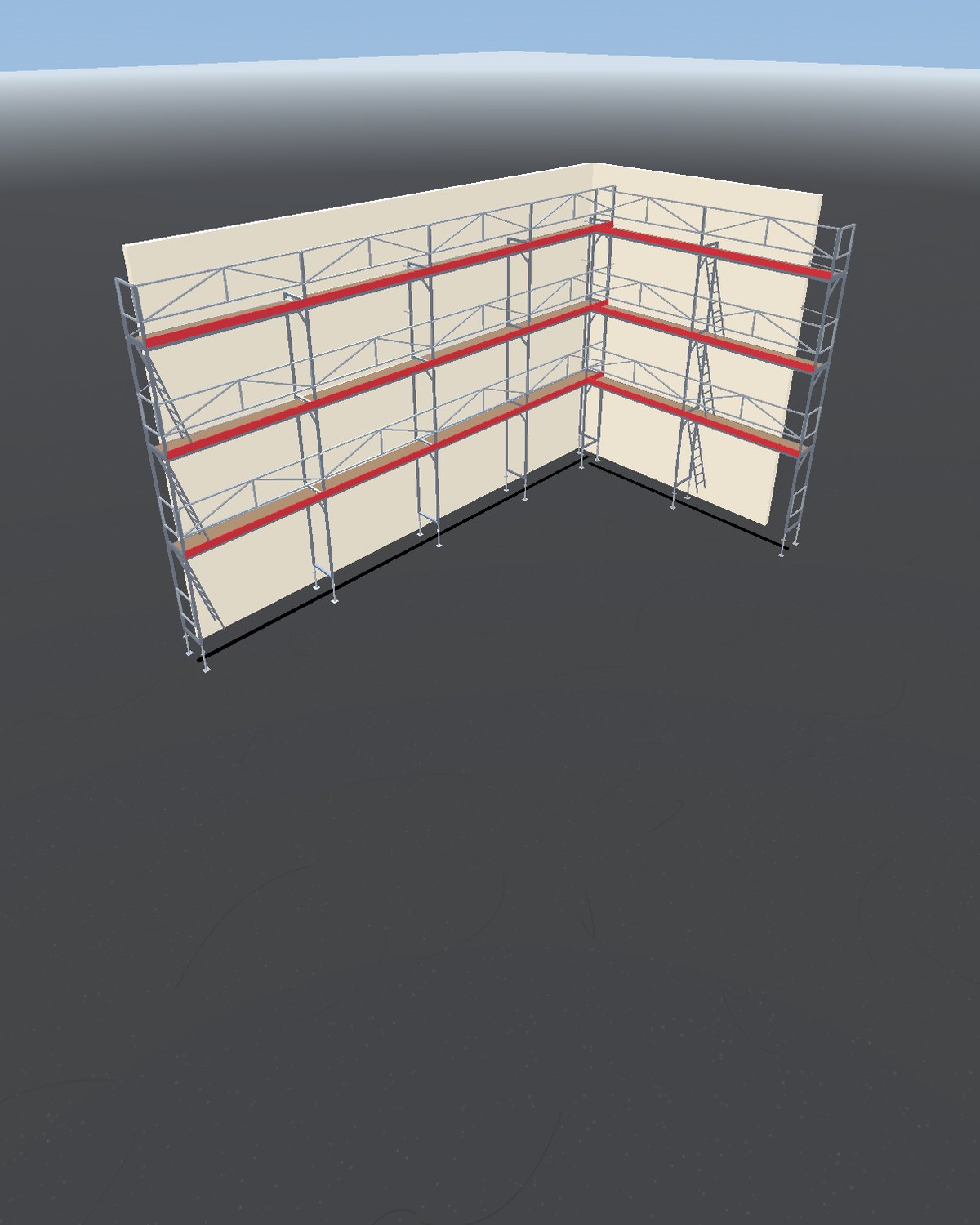
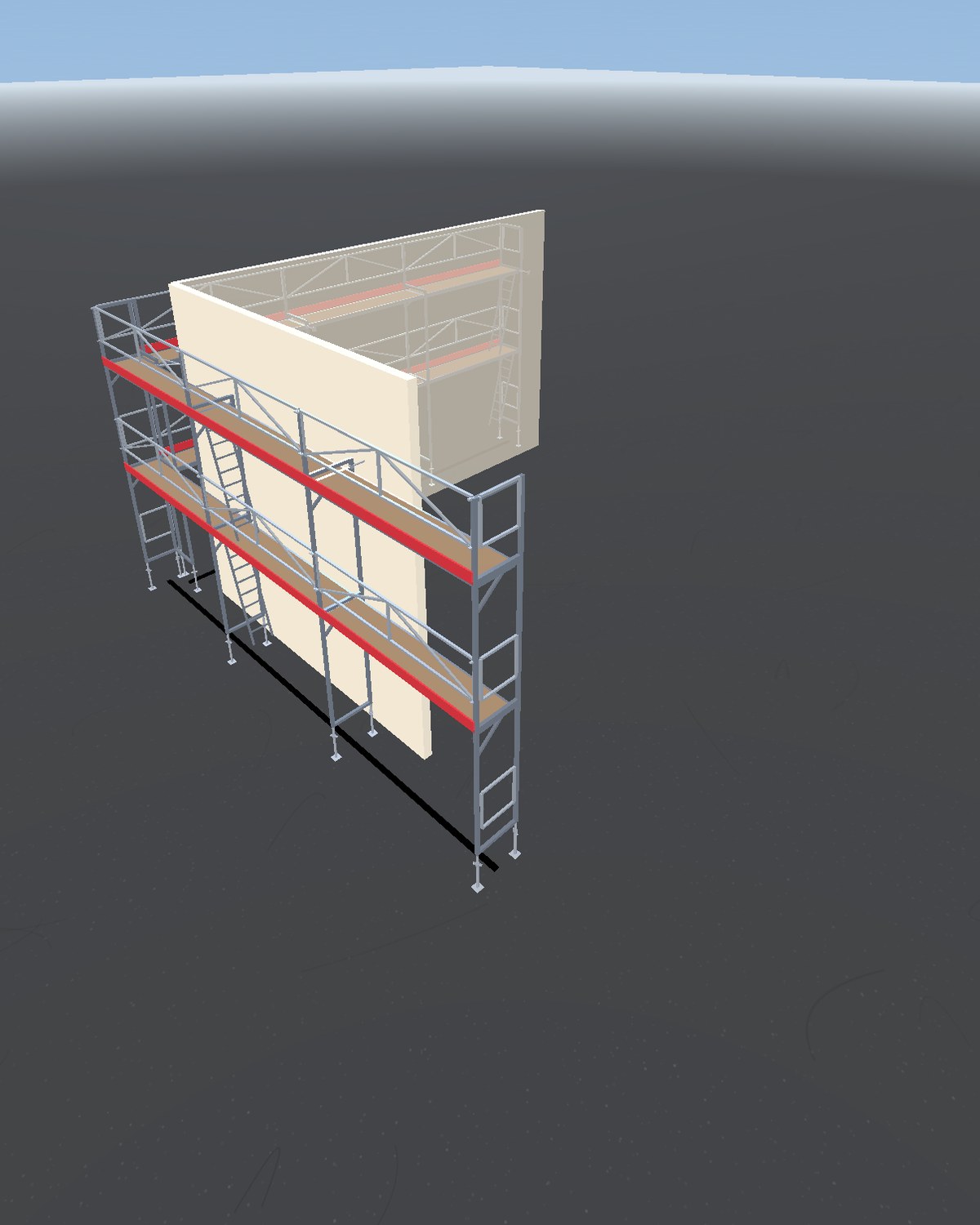
Real 3D scenes built in ScaFix — from facade and corner to stair tower.
ScaFix Pro is an auto-renewable subscription sold through Apple.
Try one complete scaffold plan before you decide.
Build one project with as many walls and corners as you need.
For anyone who plans scaffolding regularly.
Eligible new subscribers may get 7 days free on the annual plan when the offer is shown by the App Store.Prices and terms may vary by country/currency and are shown in the App Store at purchase.
Common questions before you get started.
ScaFix is an iPhone and iPad app for planning facade and system scaffolding. It turns measurements, PDF drawings or LiDAR scans into a visual 3D scaffold plan with a parts list and PDF report.
No. ScaFix supports planning, quantities and documentation. The plan, parts, anchors, loads and safety must be checked by qualified personnel before the scaffold is erected or used.
ScaFix shows the current supported catalogue in the app, including Jamax, Layher and HAKI. If your variant is not listed, email support@scafix.app; requests are considered for future updates.
Manage your subscription in your App Store account (Settings → Apple ID → Subscriptions).
Yes. Email support@scafix.app and tell us which sign-in method you use (Apple/Google/email), and we will help you.
Yes. Calculations, the 3D view and the parts list run locally on the phone. You only need a connection for sign-in, purchases and sync.
iPhone Pro models with LiDAR (iPhone 12 Pro and newer Pro/Pro Max). Without LiDAR, manual creation and PDF import work just as well.
Free includes one complete project with unlimited walls and corners, full 3D and the project parts list. You can edit it for 24 hours from creation; after that it remains available as view-only. Pro includes unlimited editable projects and PDF export. Eligible new subscribers may get 7 days free on the annual plan when the offer is shown by the App Store.
Download ScaFix and create one complete scaffold plan free.
Need help, want to report a bug, or request deletion of account data? Email us. support@scafix.app